
Vision Pro
Do the puzzle on a table or the floor in your own space. Look at a piece and pinch to pick it up, then bring it to the board.
Vision Pro · Mac · iPad · iPhone
 : jigsaw puzzles from your own photos
Real jigsaw puzzles, made from your own photos.
Pick a picture, choose how many pieces, and they drop onto the board. Pick them up, rotate them and fit them together, from 25 pieces up to 1,000.
Requires visionOS 27, macOS 27, iPadOS 27 or iOS 27, or later.
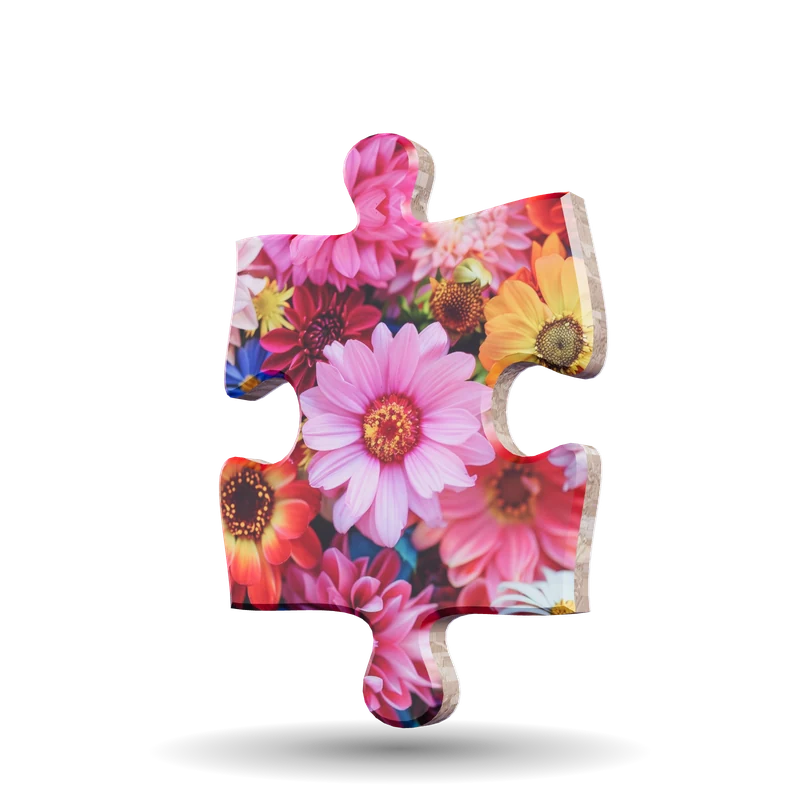
Drag to turn it. Double-click or double-tap for another picture.
Watch a puzzle come together
Each piece has its own shape, thickness and shadow. Drag one over the board, let go near the spot where it belongs, and it snaps into place.
Recorded on iPad.
One puzzle, four ways to play
Same puzzles and same Library on every device. The controls are built for the device in your hands.
Do the puzzle on a table or the floor in your own space. Look at a piece and pinch to pick it up, then bring it to the board.
Use the mouse or trackpad. Click a piece to pick it up, drag it over, and pinch or scroll to zoom in on the board.
Touch the screen and drag. The large display gives you room to spread the pieces out.
A puzzle in your pocket. Drag pieces with a finger and pinch to zoom. With iCloud, your puzzles follow you to your other devices.
Screenshots
Choose a platform, then swipe or use the arrows.
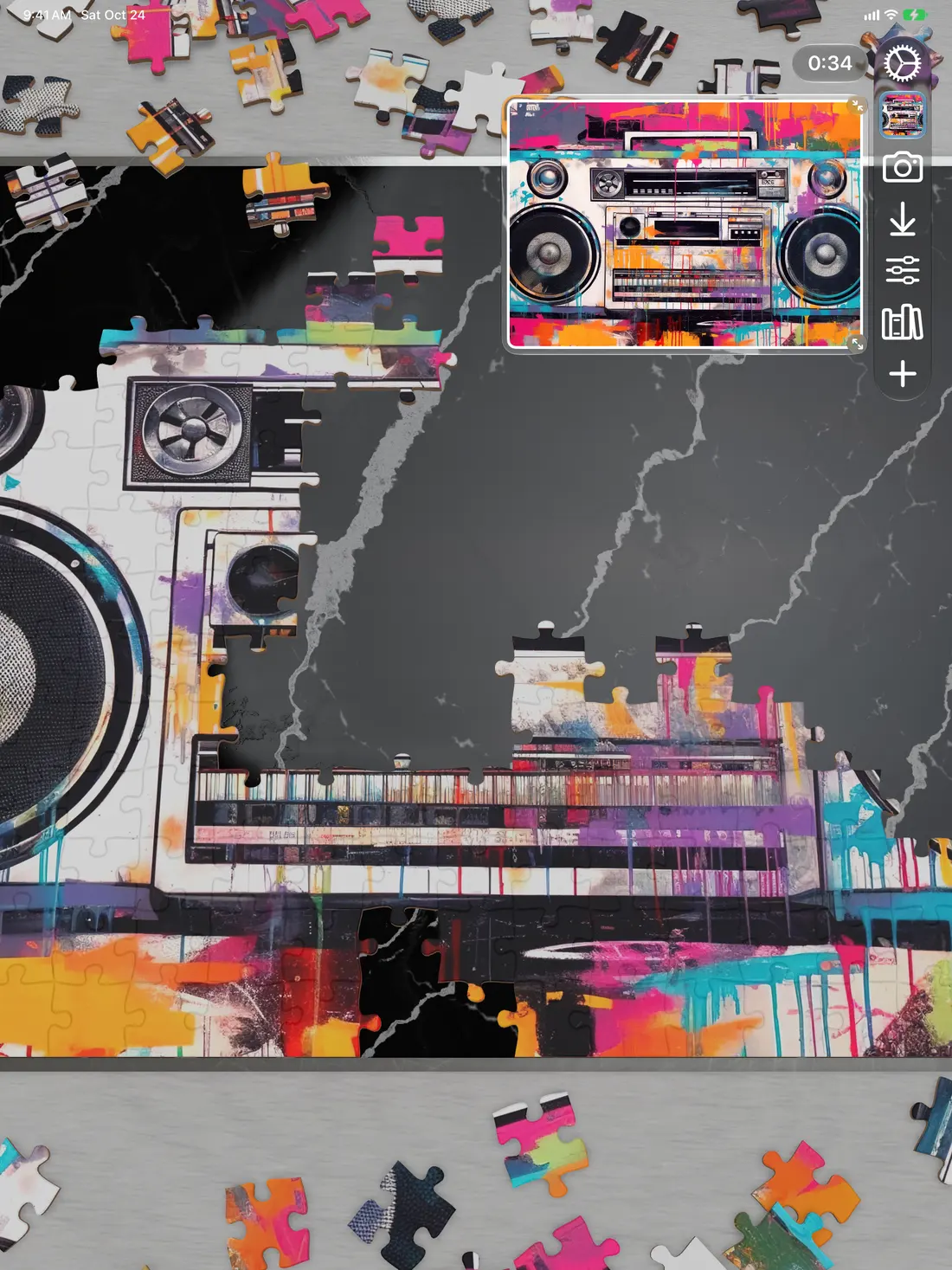
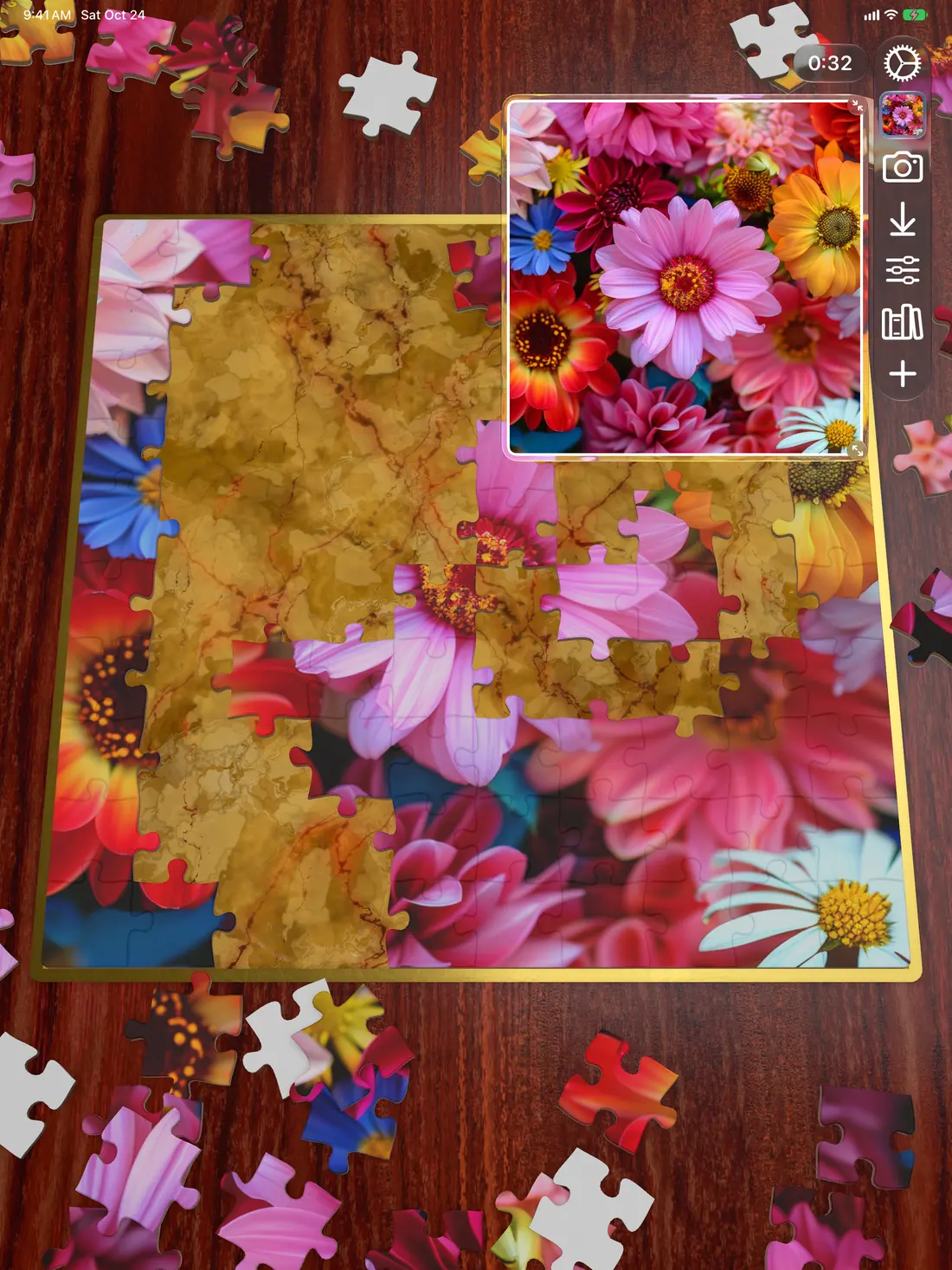
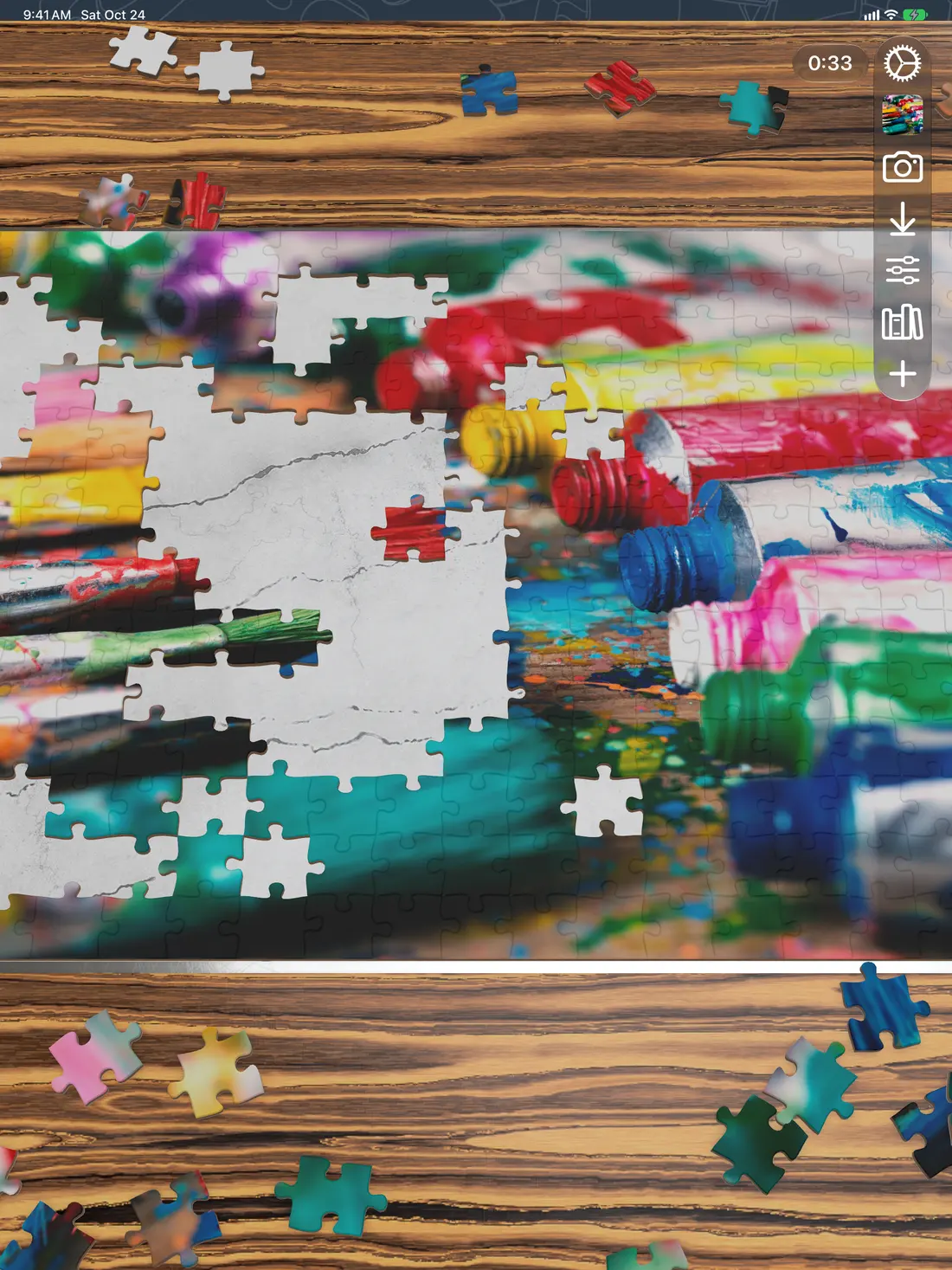
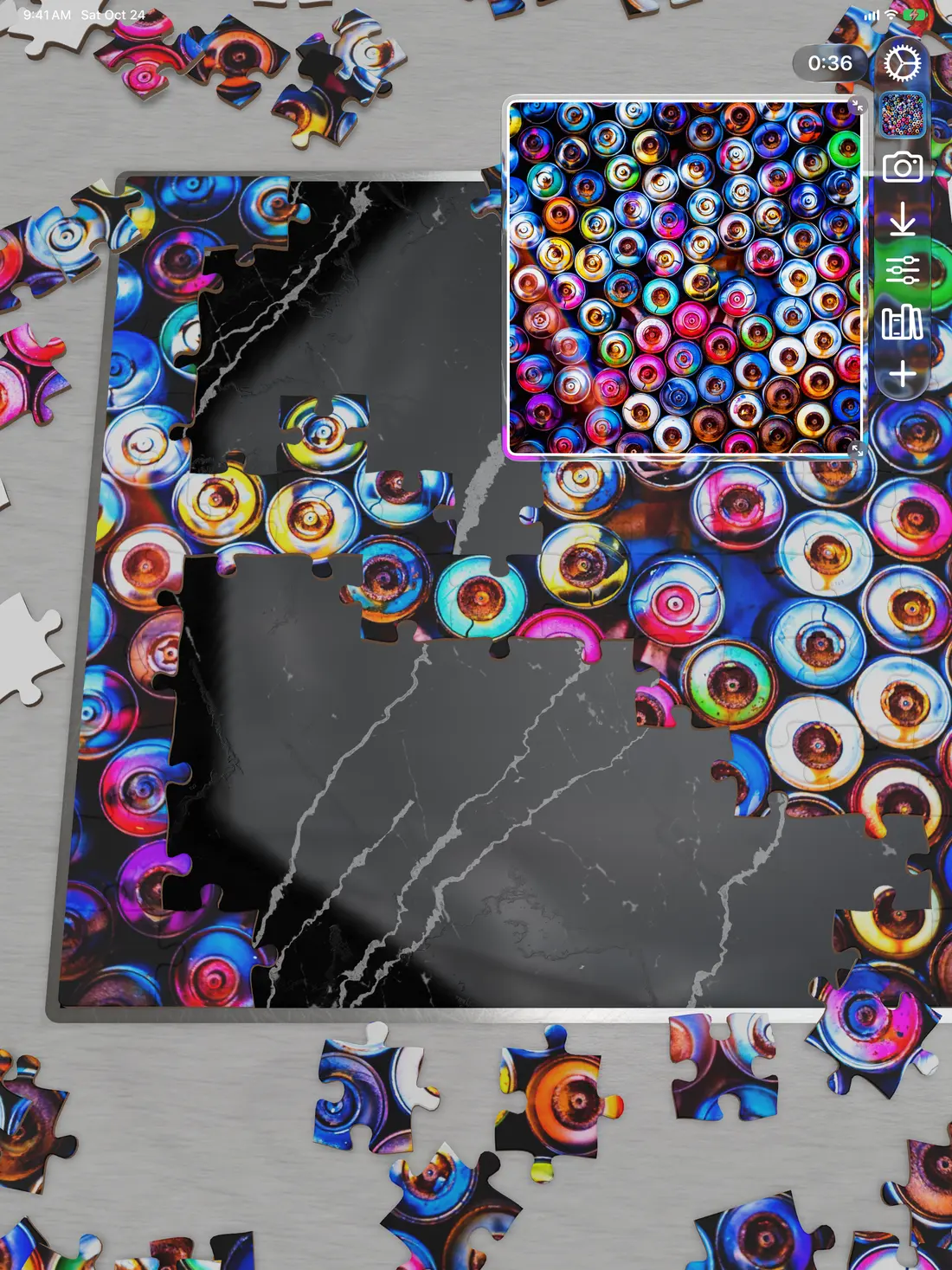
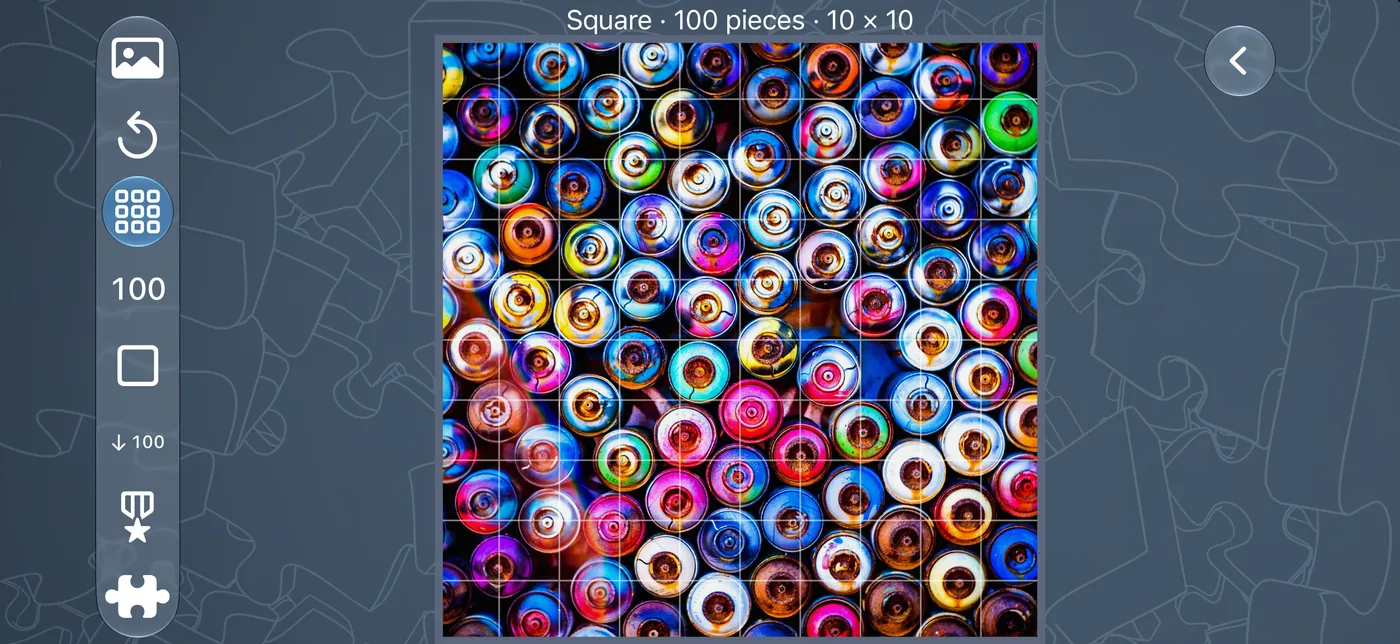
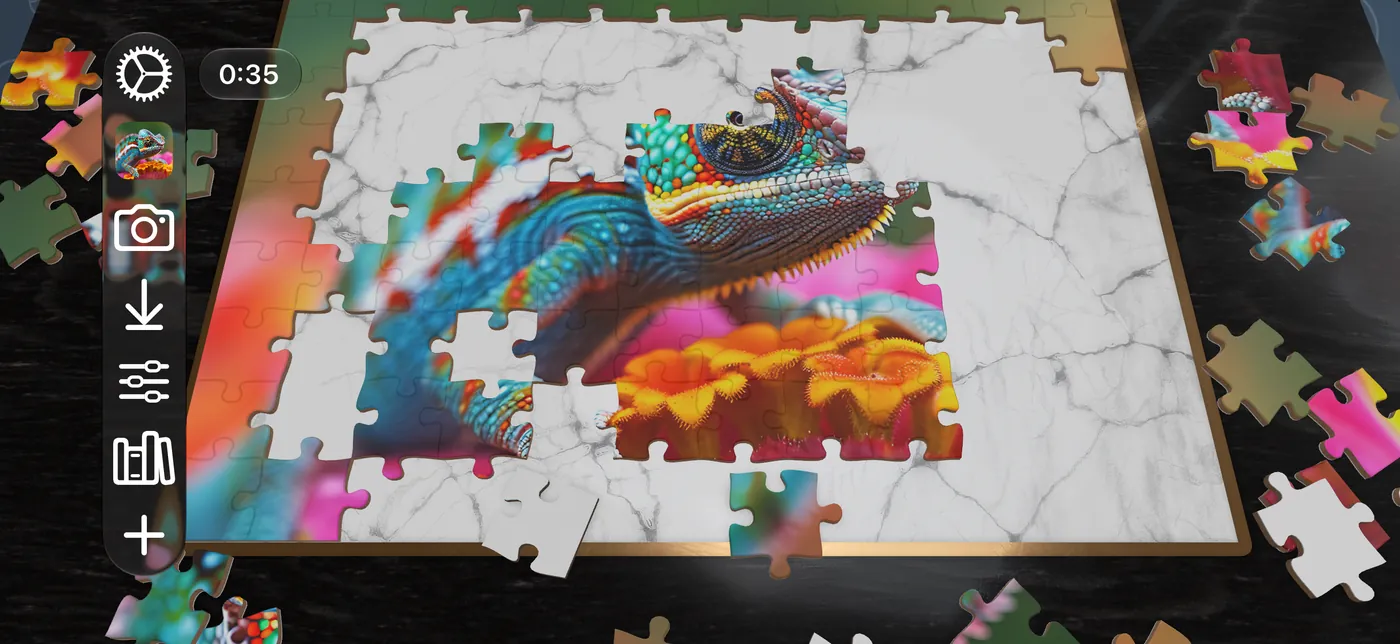
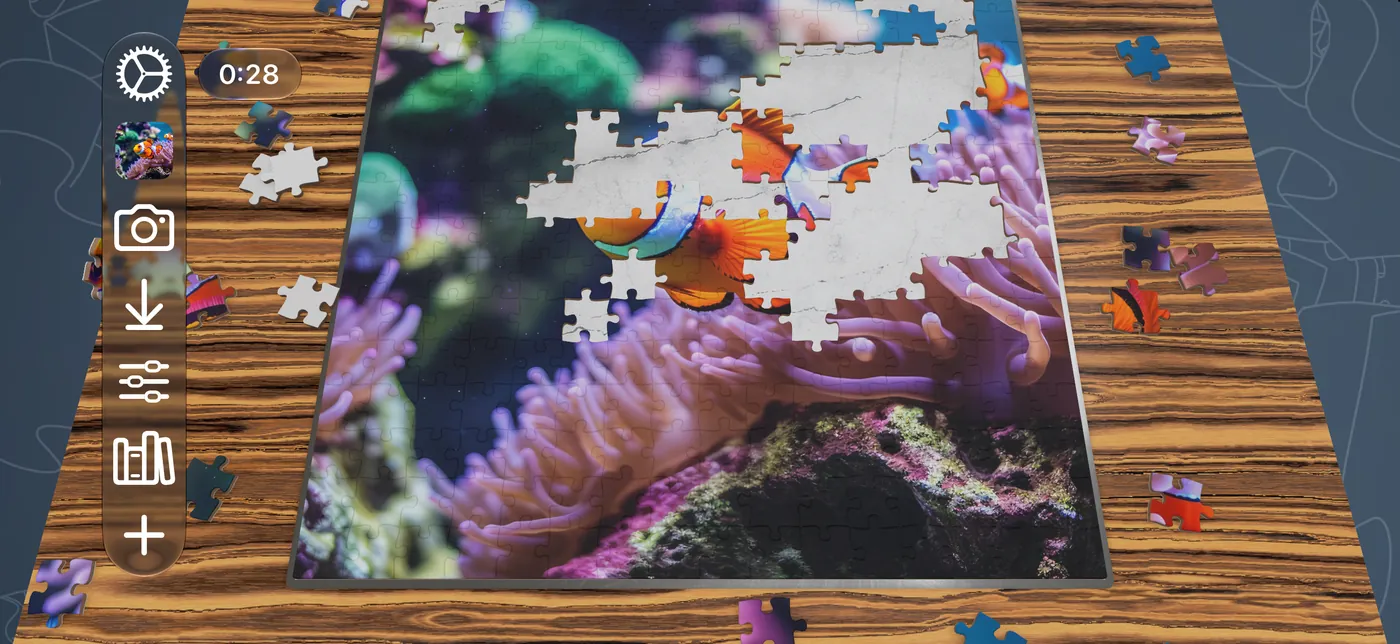
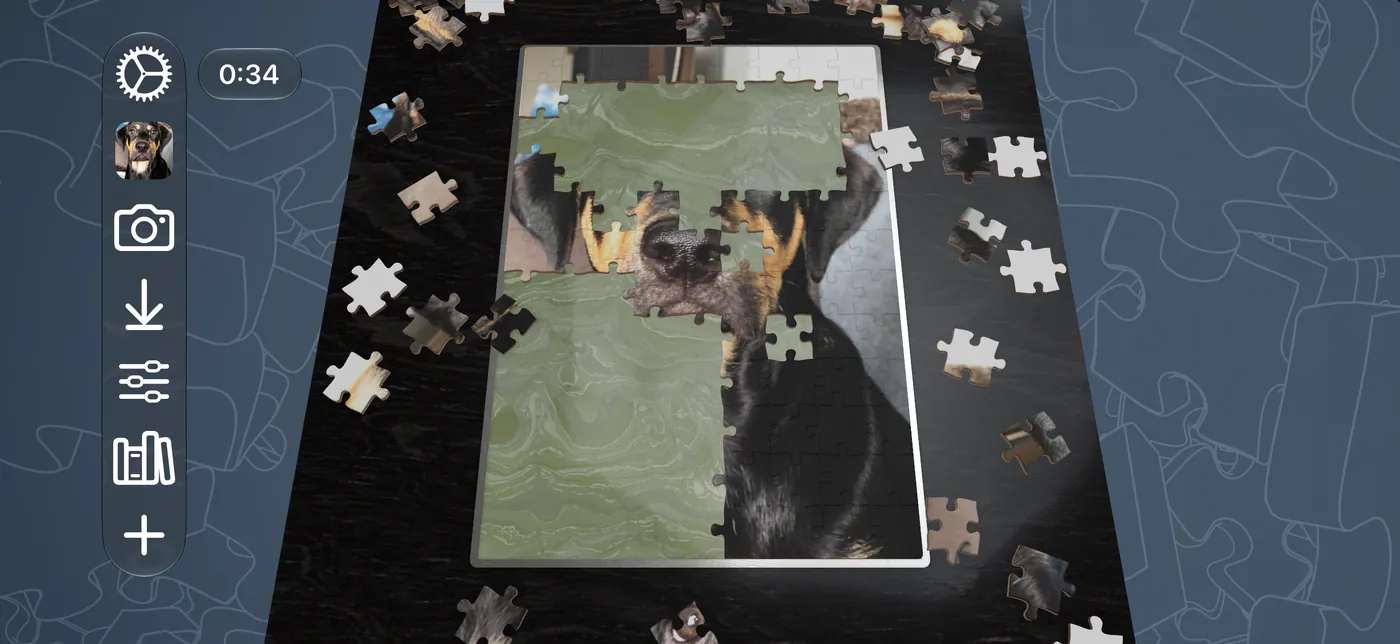
iPhone in landscape.
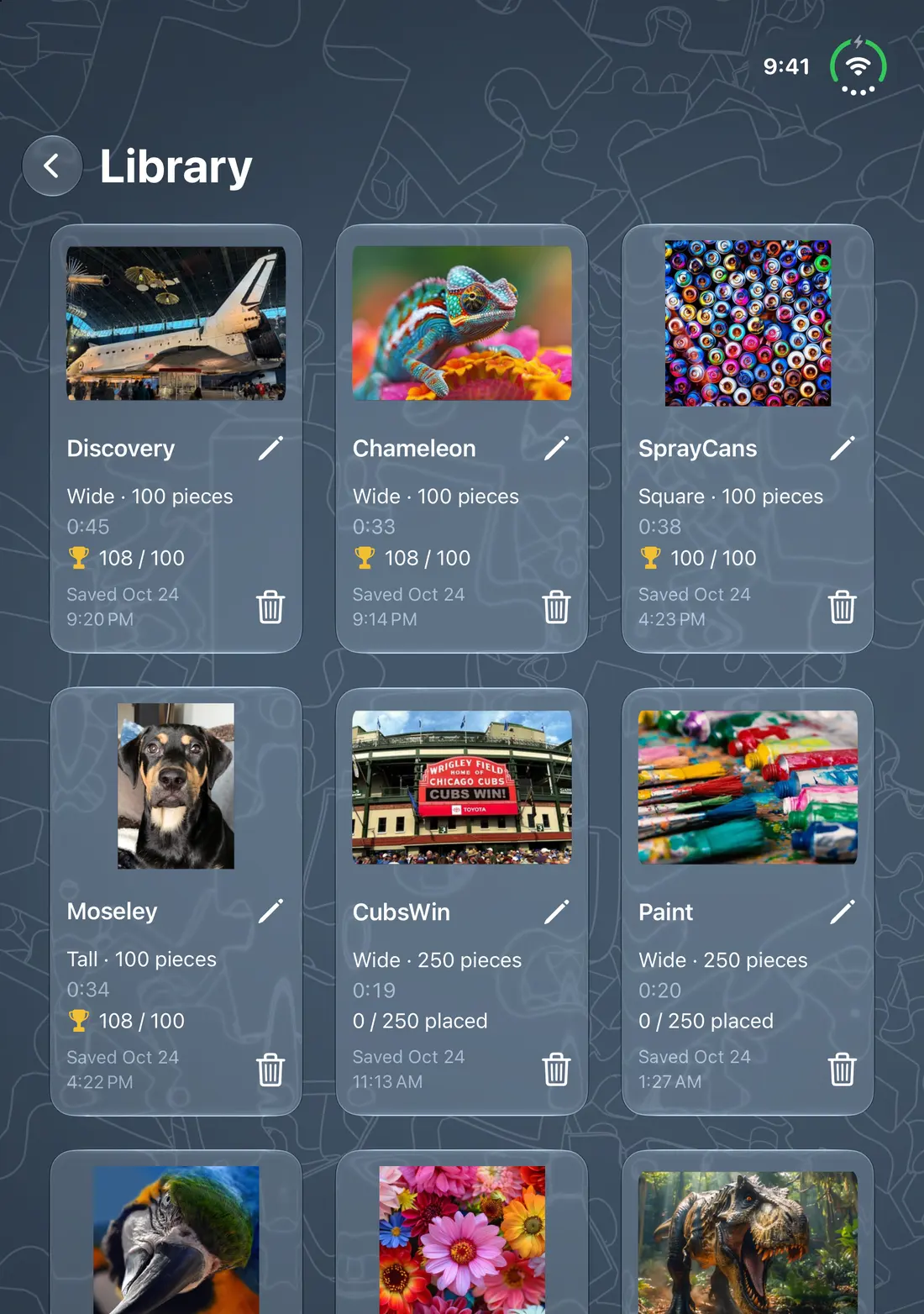
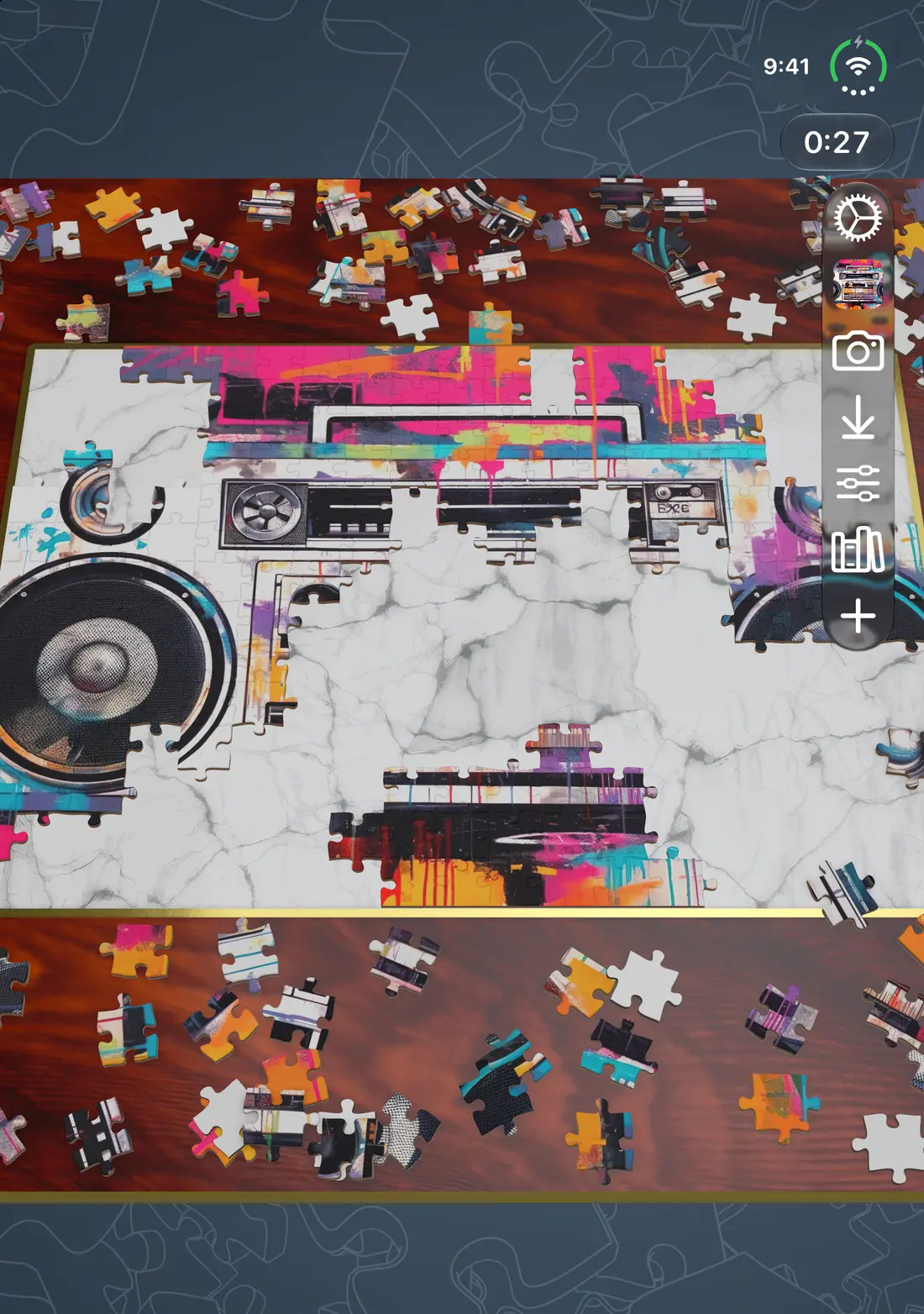
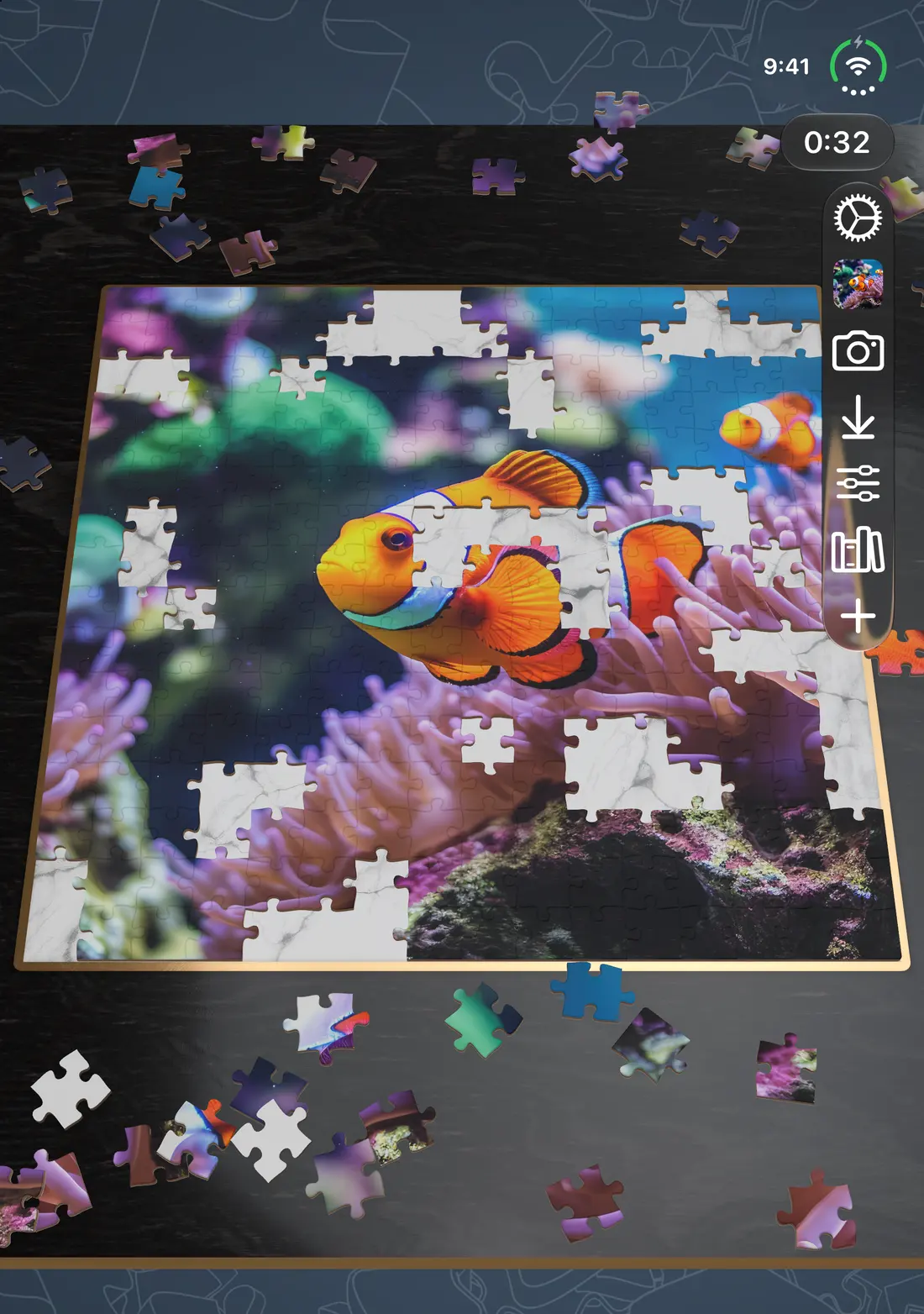
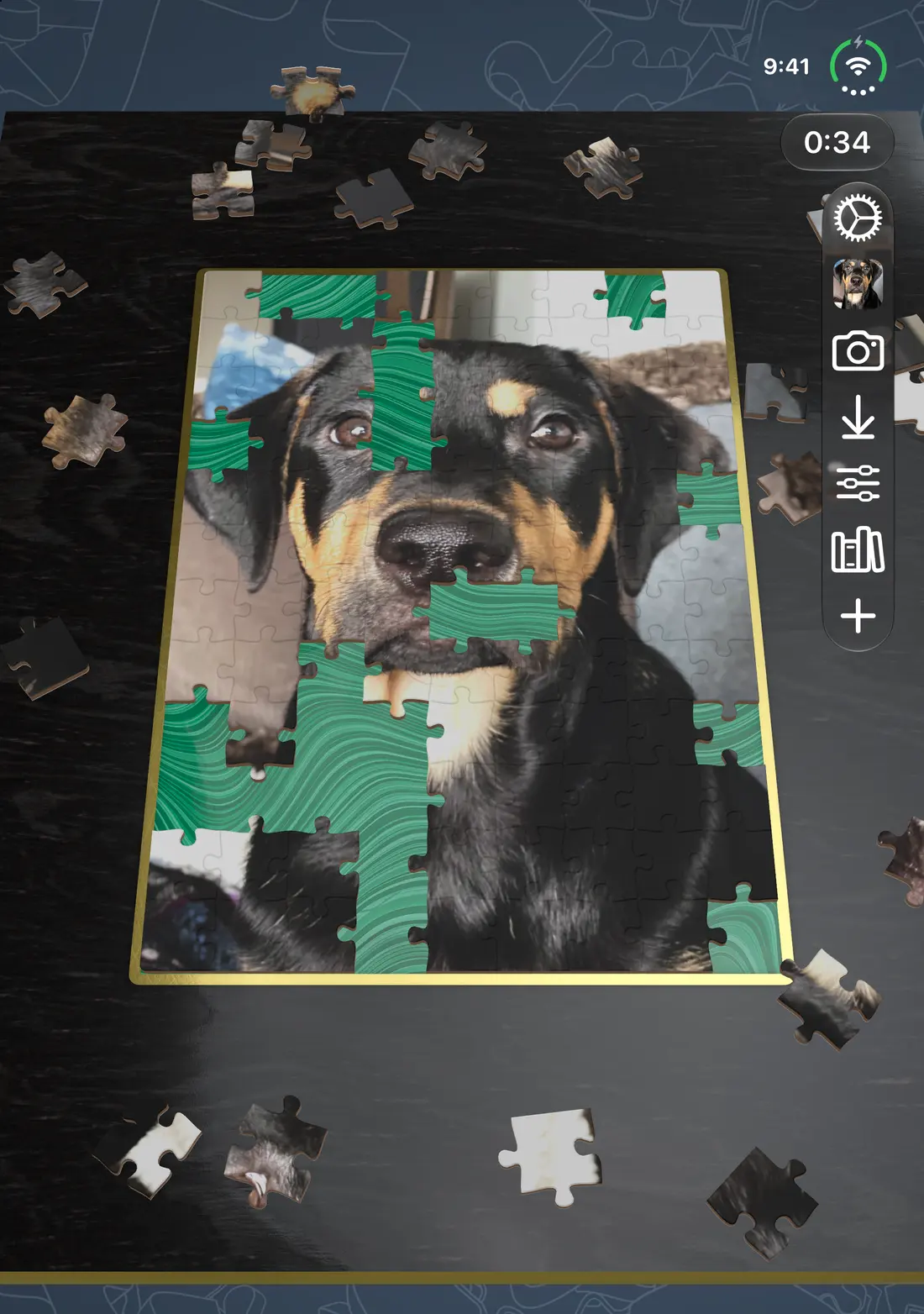
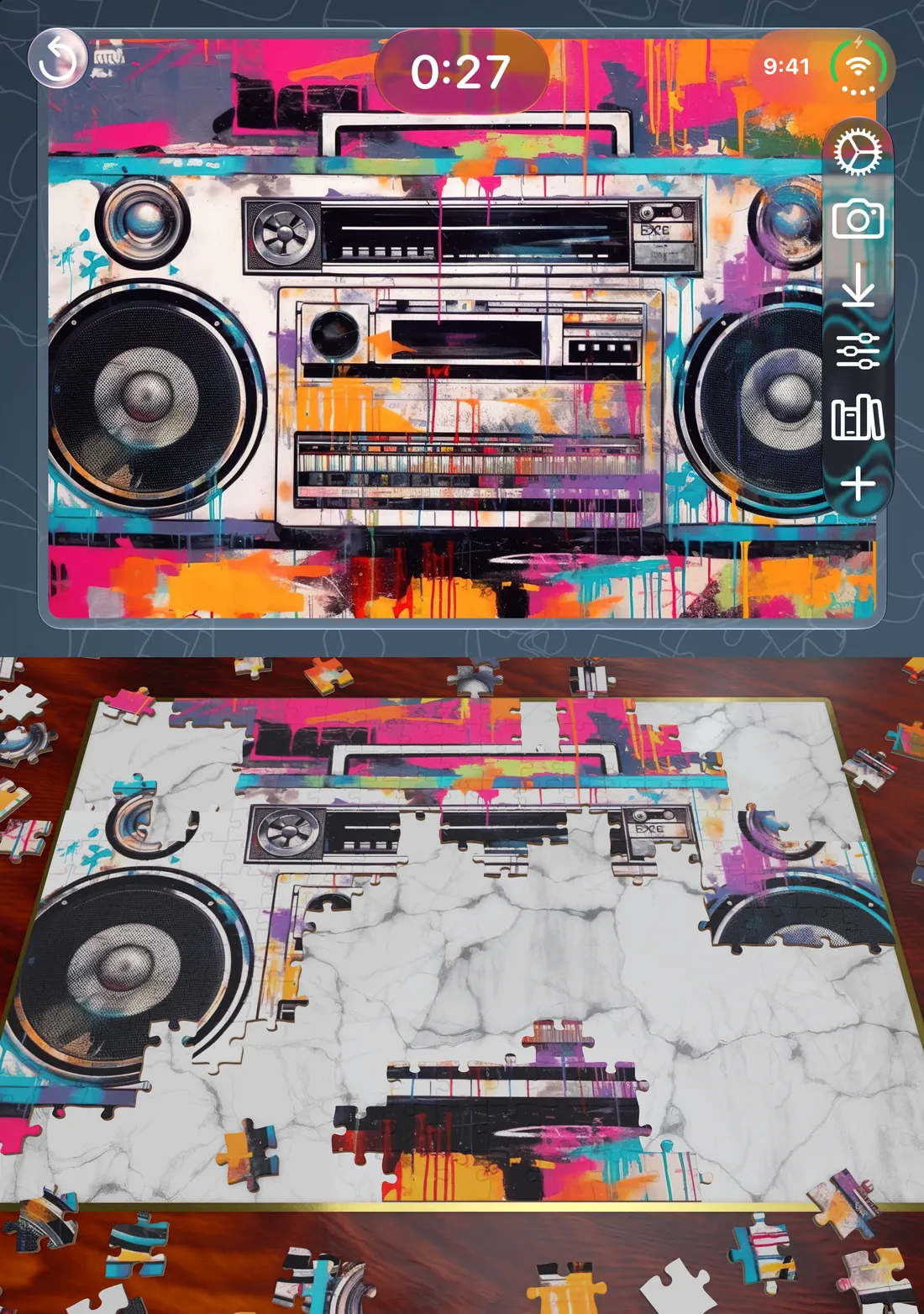
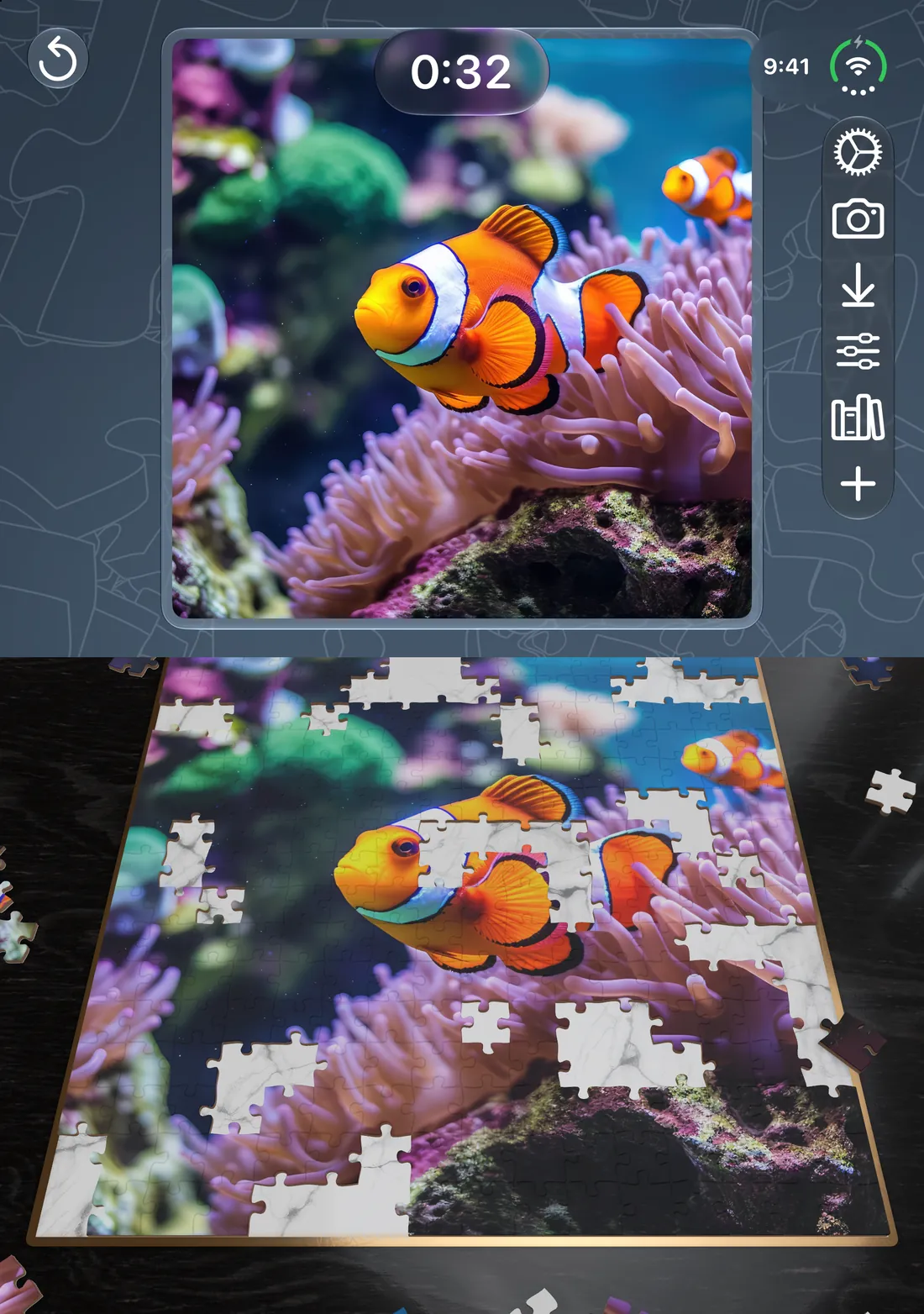
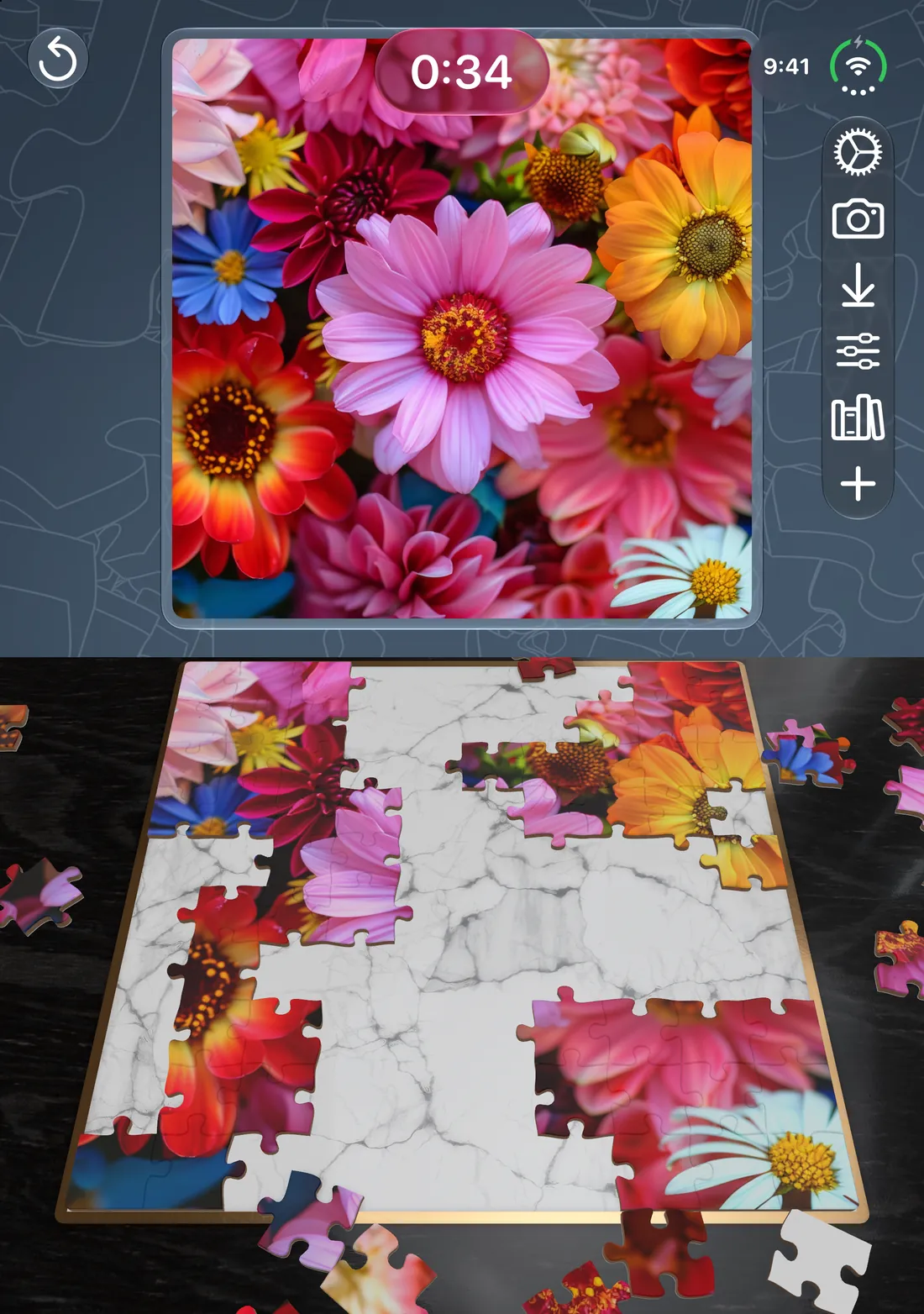
Open mode shows the game across both screens. In laptop mode the picture is on the top screen and the board is on the bottom.
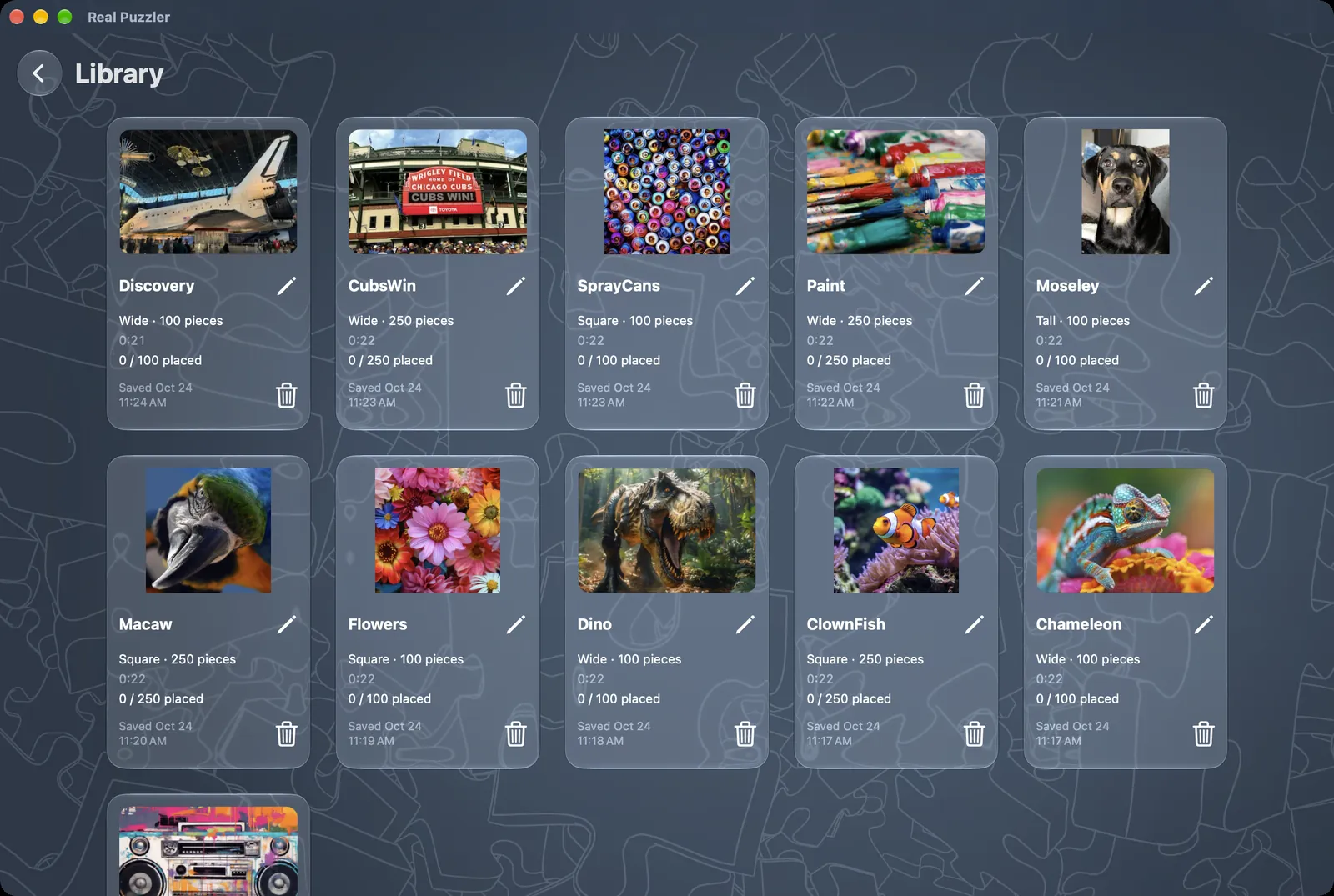
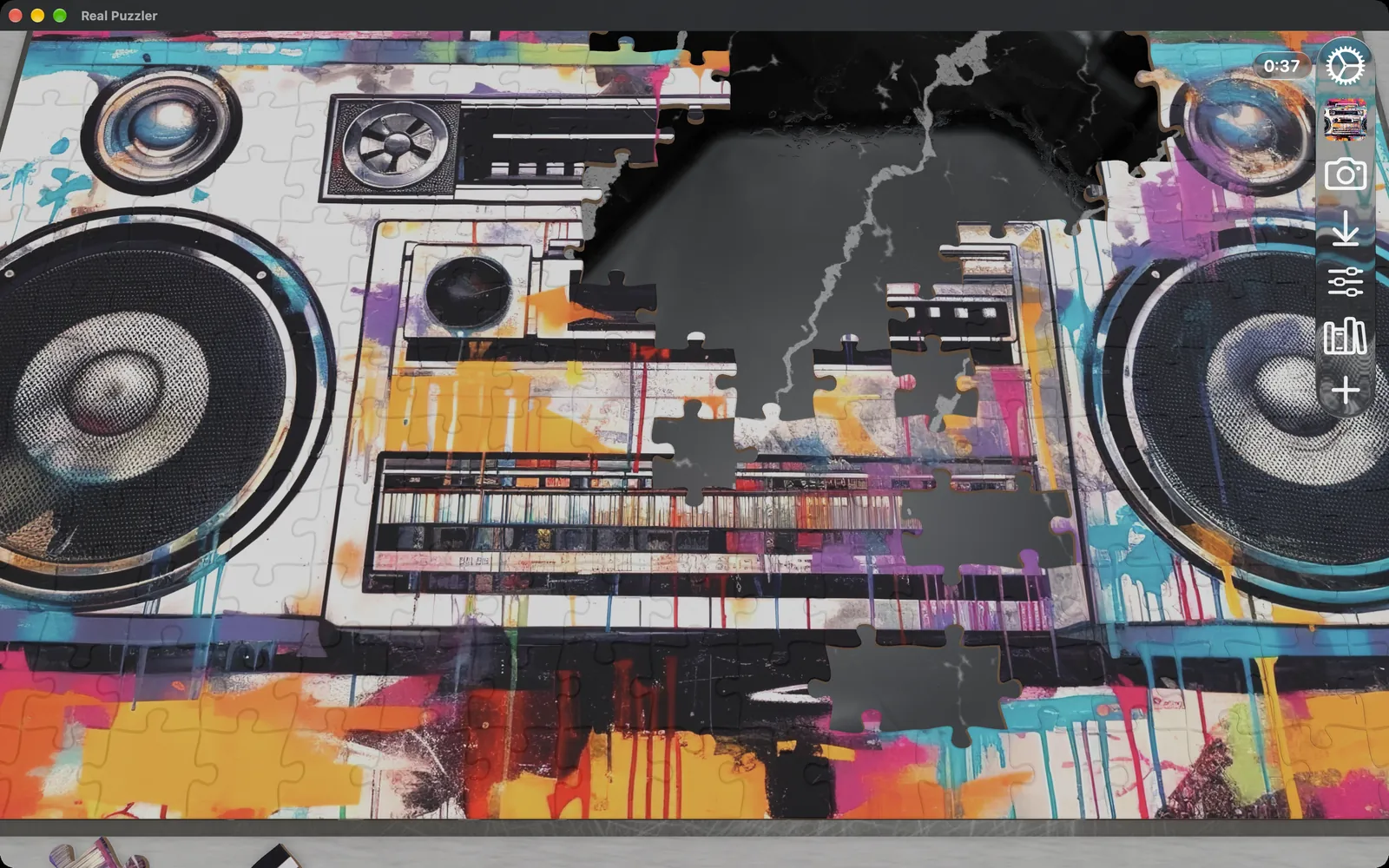
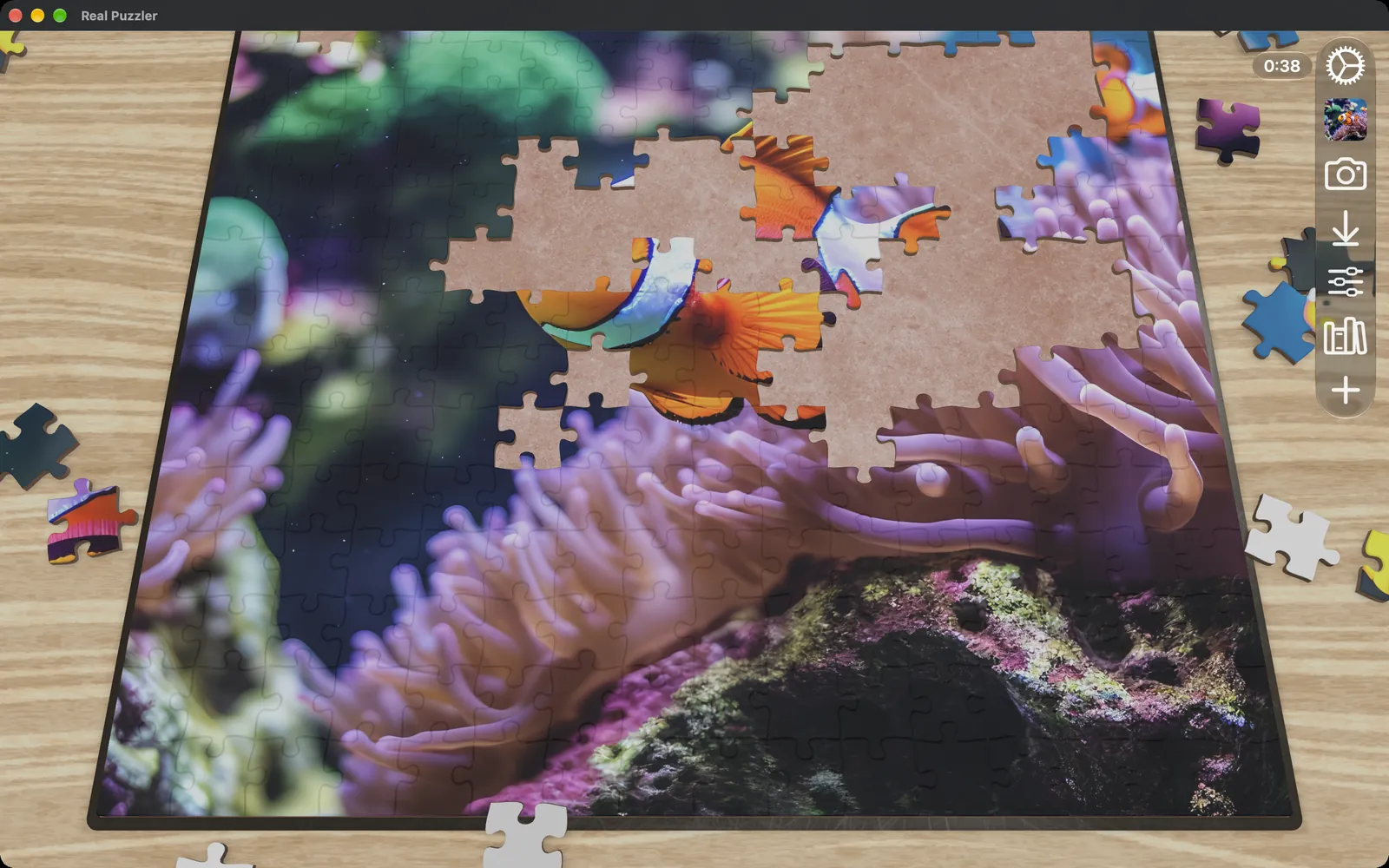
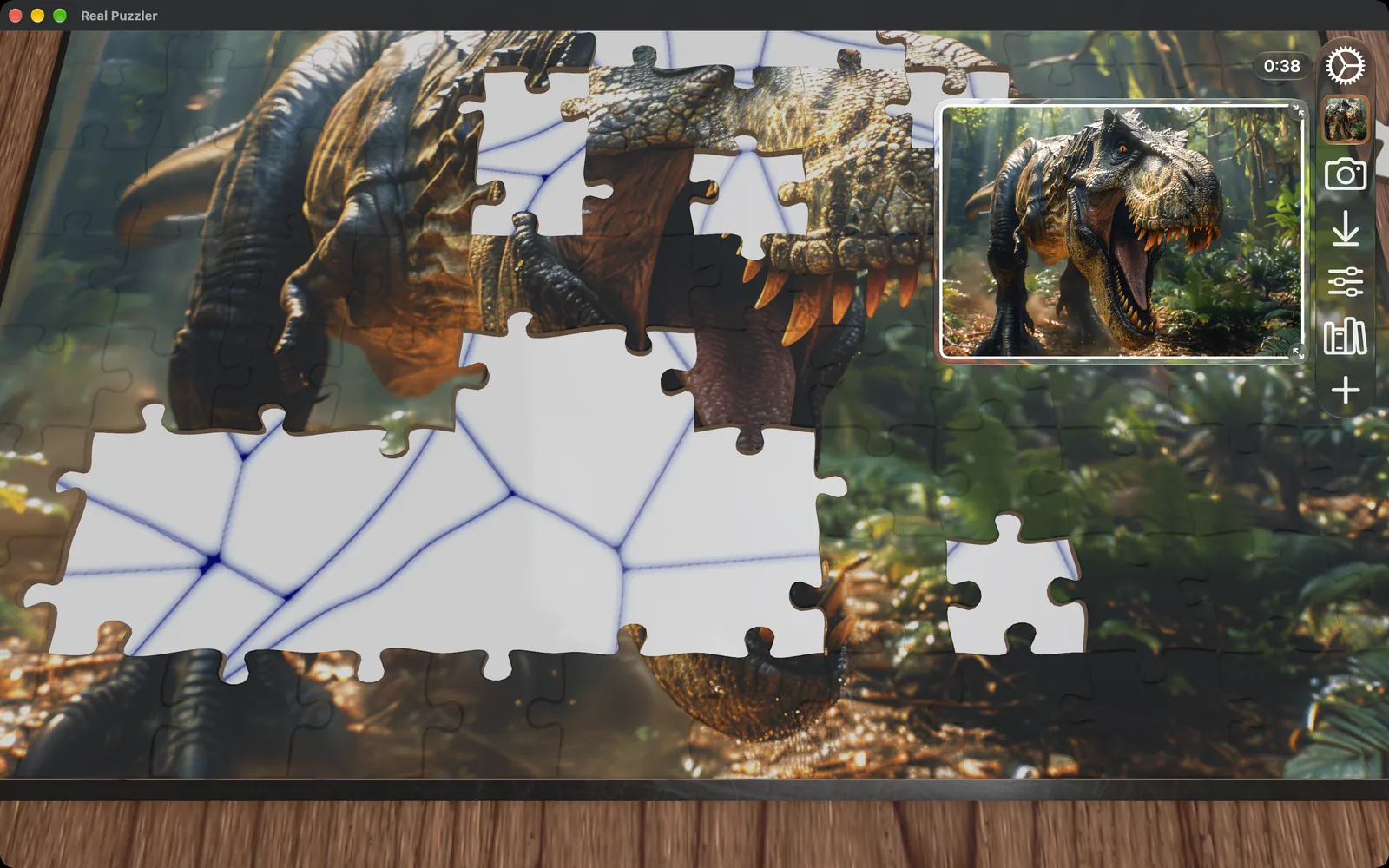
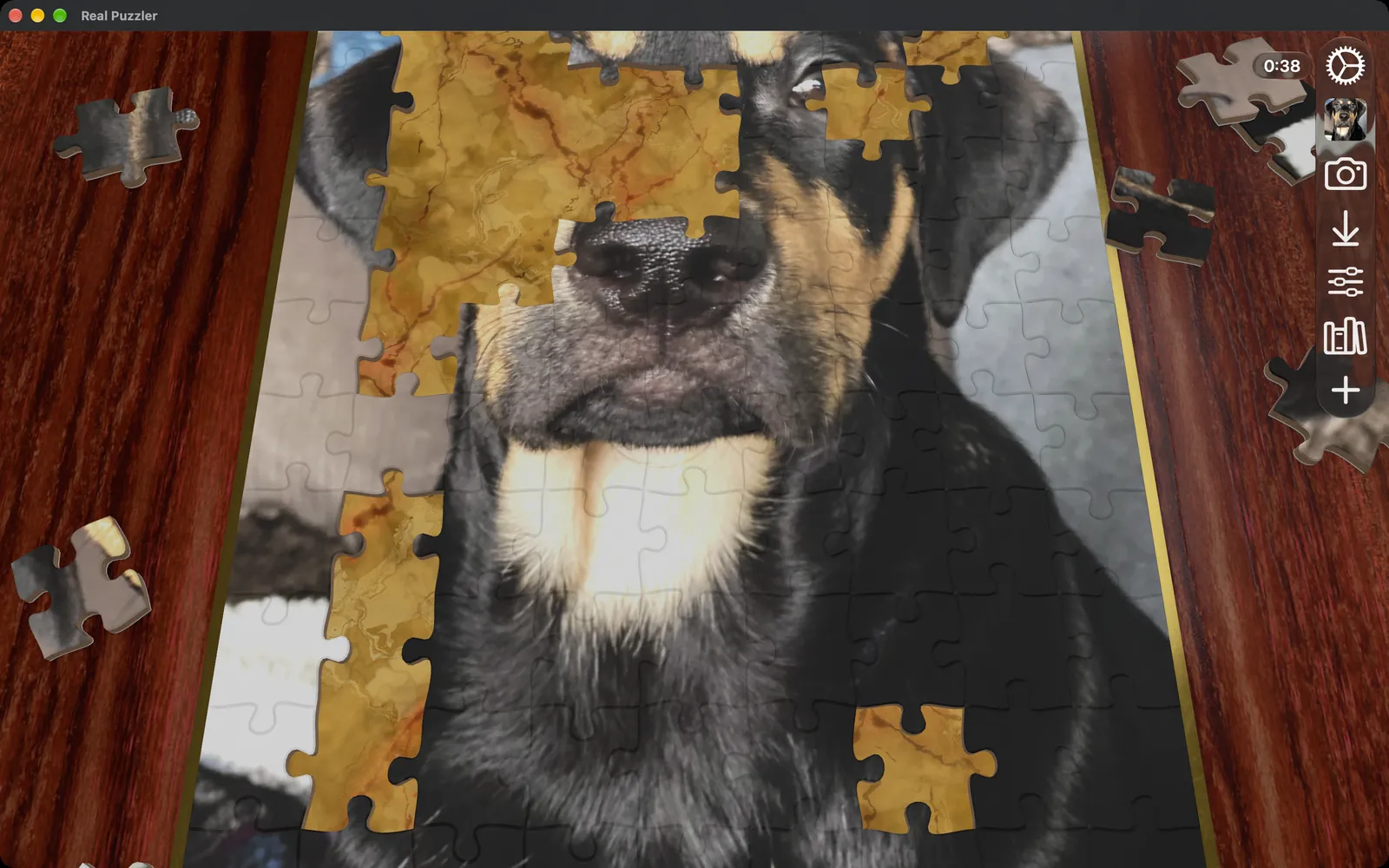
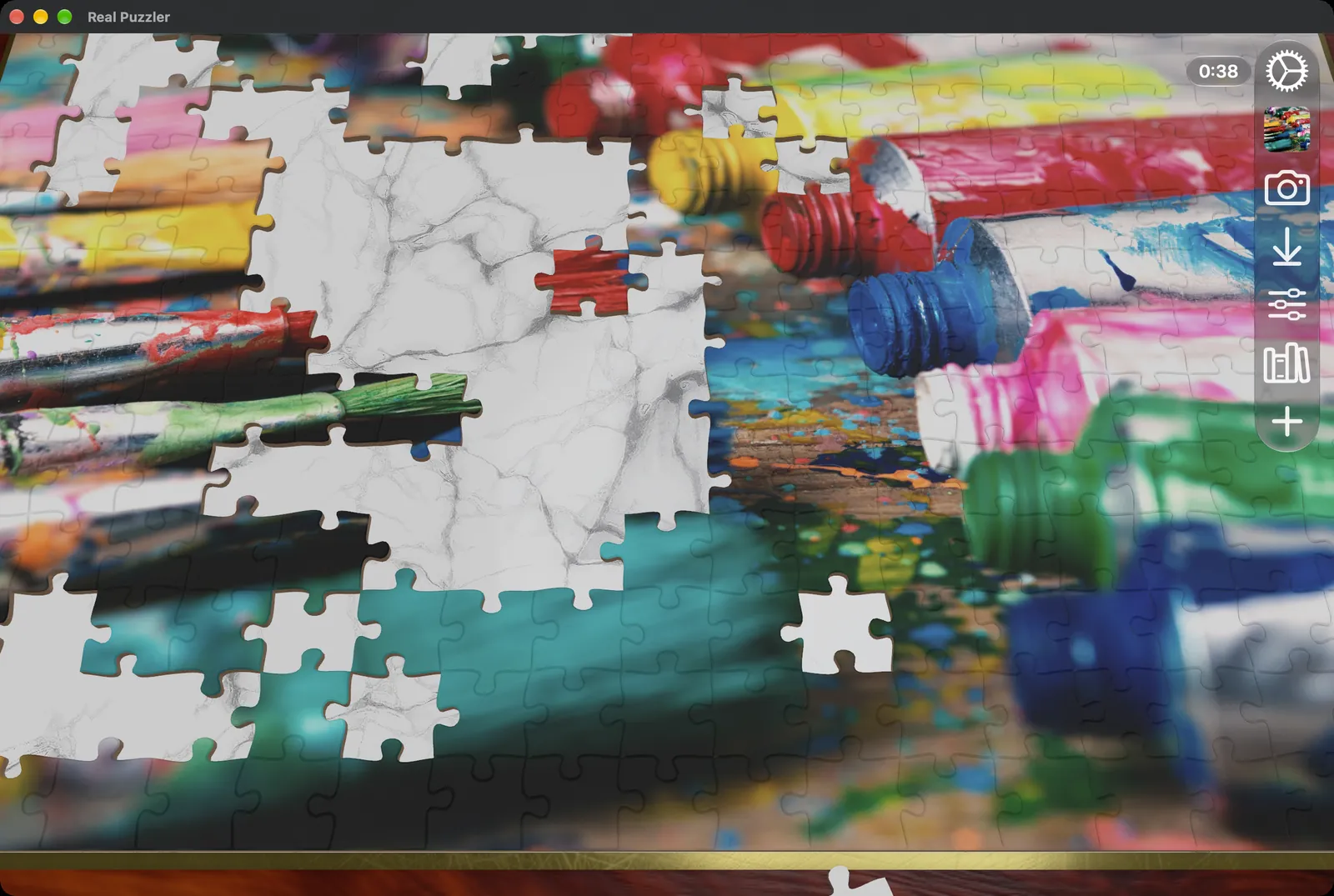
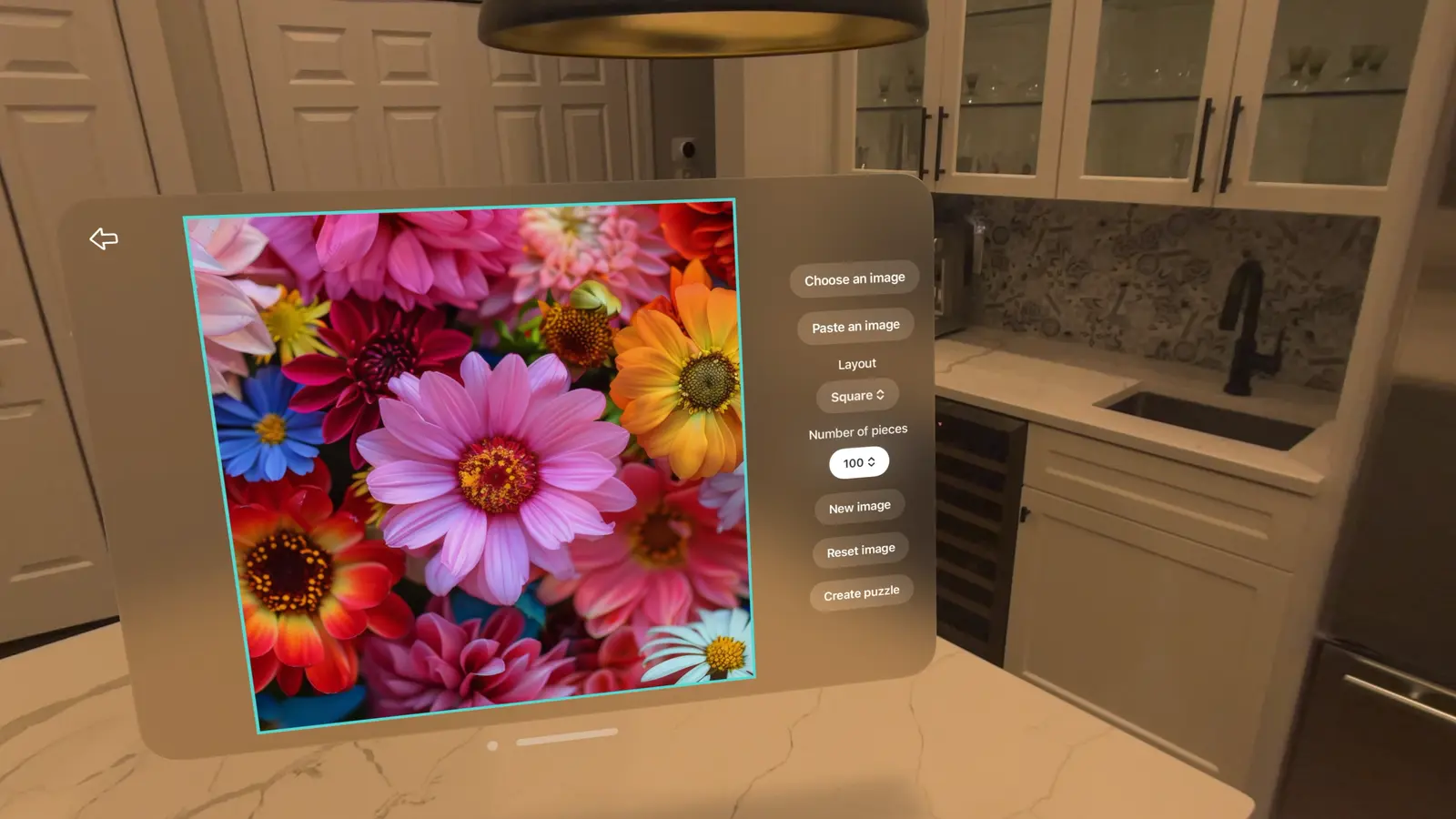
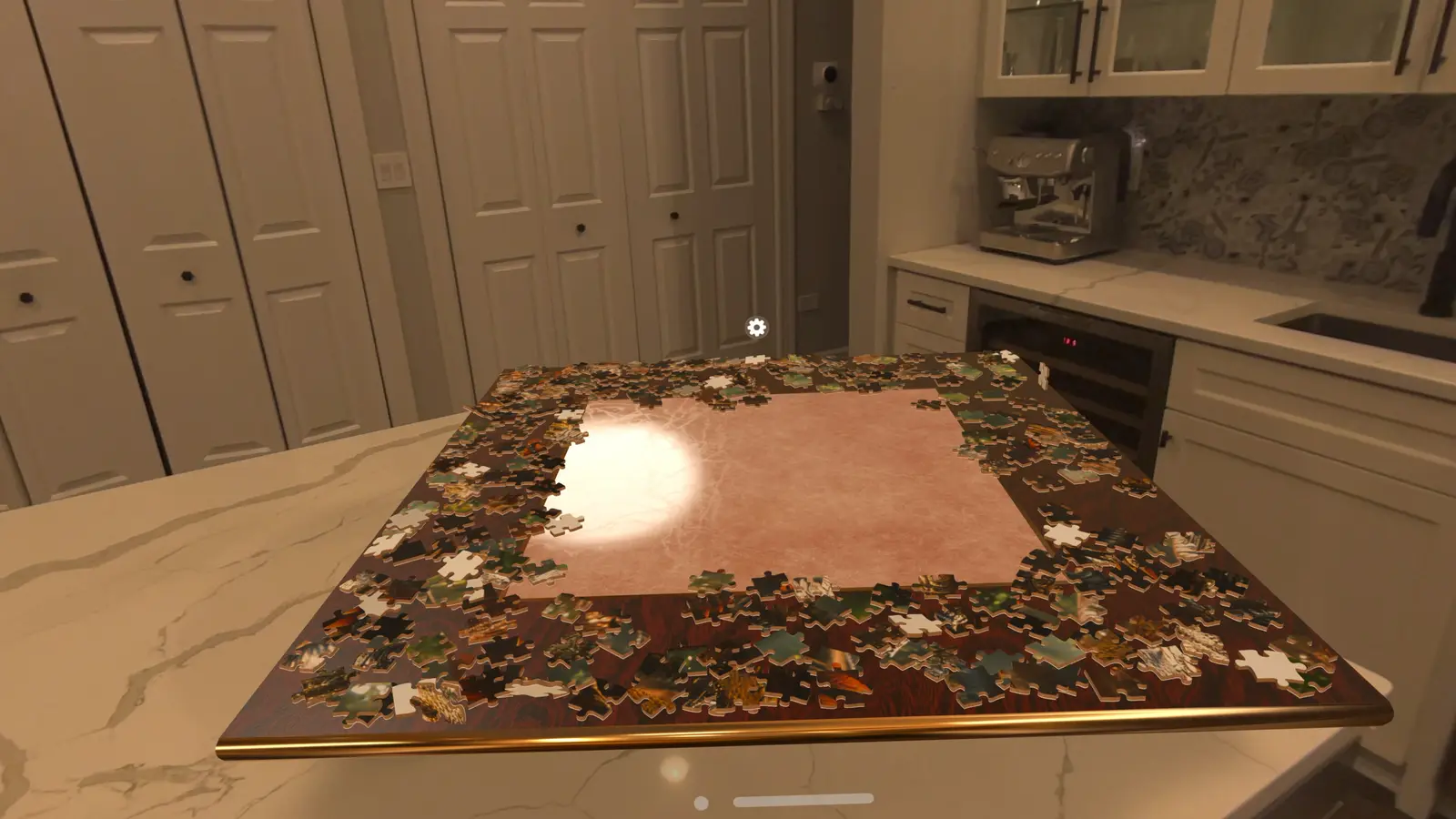
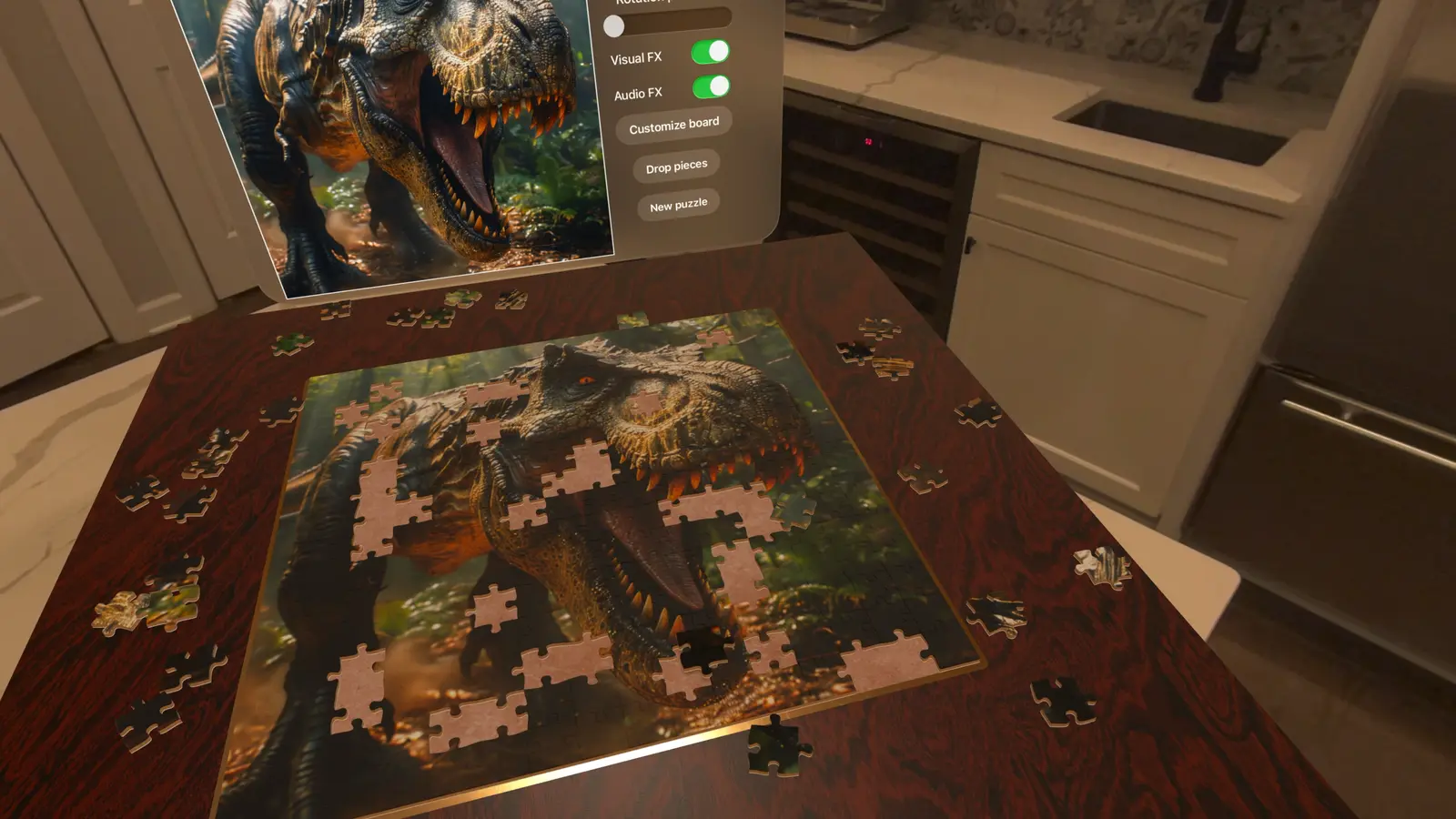
Frames from an earlier version on Apple Vision Pro. Some menus look different today.
How to play
Features
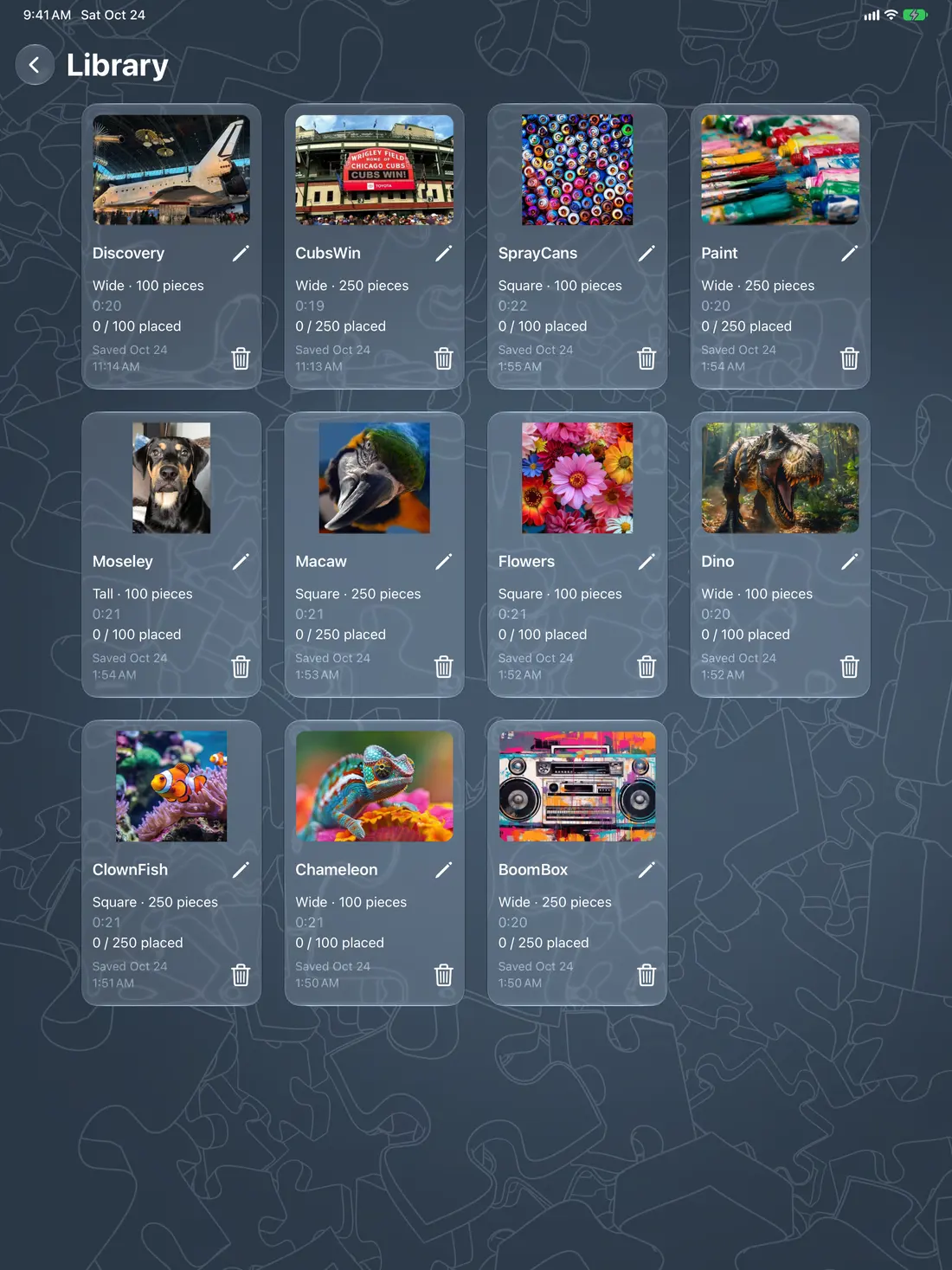
Use a photo from Photos, a file, or a pasted image. On supported devices you can also make a picture with Image Playground.
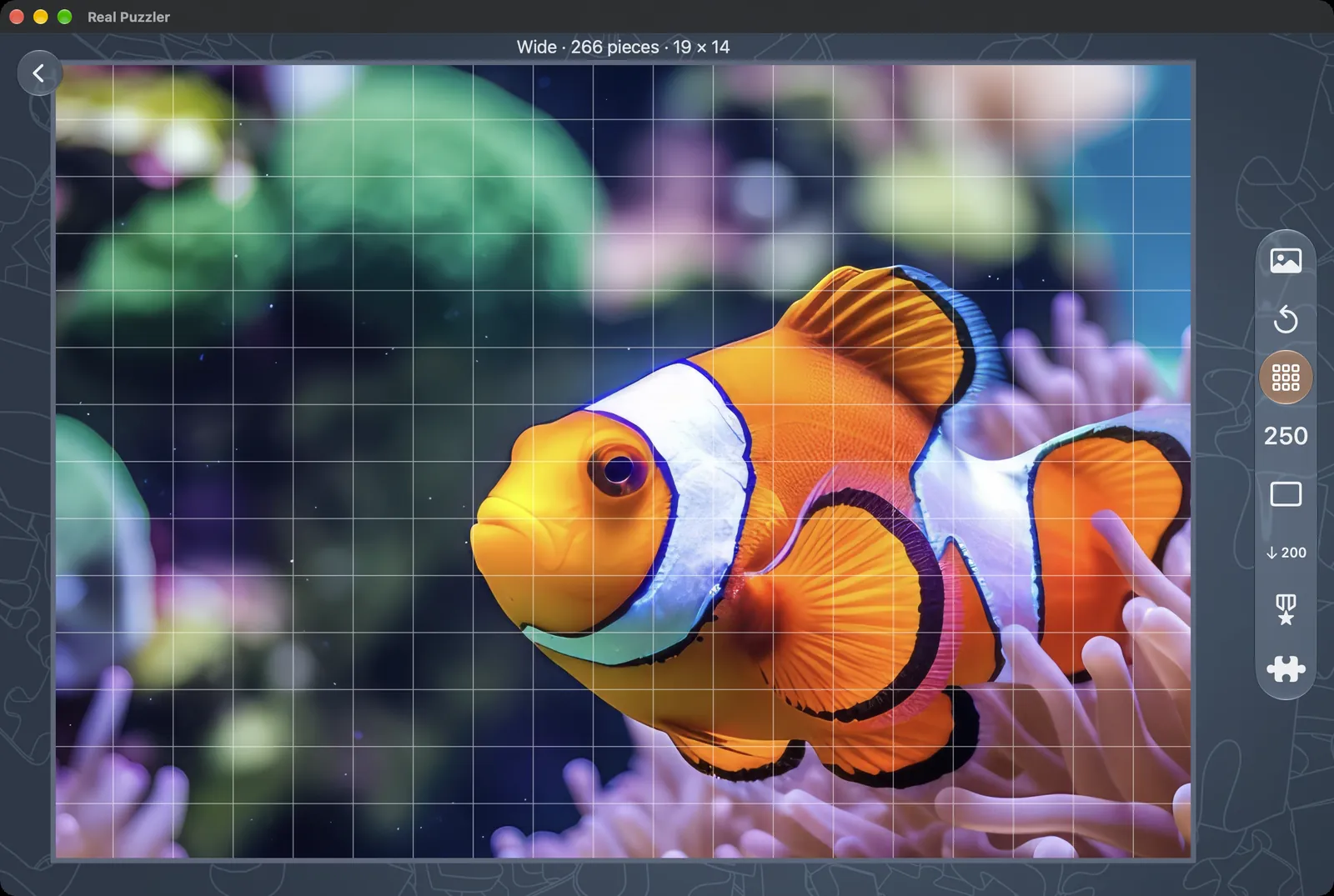
Tall, Square and Wide, each with 25, 100, 250, 500 or 1,000 pieces.
Every piece is a 3D object with a shadow, and realistic physics moves it: pieces drop, tumble and settle onto the board, and keep their momentum when you let go. Upside-down pieces flip over when you lift them, and pieces only snap in near the right place and angle.
Pick the board, puzzle-area and trim surfaces. Tilt, zoom and pan the board, or lock the view in place.
Race the clock with placement and rotation set to the strictest setting. Ranked times go to Game Center leaderboards for each piece count.
Save puzzles, pick them up later, and sync them across your devices with iCloud.
33 Game Center achievements, from finishing the tutorial to completing a 1,000-piece puzzle.
Learn the controls on your device in a few minutes, then start your own puzzle.
English, Spanish, French, German, Italian, Japanese, Korean, Brazilian Portuguese and Simplified Chinese.
Game Center
Finish each layout and size, beat the clock, climb the Ranked leaderboards, and fill your Library.
 Complete the tutorial
 Complete a Square 100-piece puzzle
 Complete a Tall 500-piece puzzle
 Complete a Wide 1,000-piece puzzle
 Complete a Ranked 25-piece puzzle
 Complete a Ranked 250-piece puzzle
 Complete a Ranked 1,000-piece puzzle
 Finish 250 pieces in under an hour
 Complete 10 puzzles
 Complete 100 puzzles
 Create from every picture source
 Fill the Library
Free players can play Ranked 25-piece puzzles. Ranked times are shared on Game Center leaderboards: one board per piece count on each platform, plus a combined board for all platforms.
Questions
An Apple Vision Pro, Mac, iPad or iPhone running version 27 or later of visionOS, macOS, iPadOS or iOS.
It is a free download. Free play includes 25-piece puzzles in every layout and 100-piece Square puzzles, with room for 3 saved puzzles. The one-time Full Puzzle Pack unlocks every layout and size and raises the Library to 100 saved puzzles. If you already bought it, choose Restore.
Yes. Choose one from Photos or a file, paste one, or make one with Image Playground on devices that support it.
Yes, if you are signed in to iCloud with the same Apple Account and iCloud is allowed for Real Puzzler. Your saved puzzles and their progress sync through your private iCloud storage.
Playing a puzzle does not need one. Syncing through iCloud, Game Center and purchases do.
Real Puzzler has no accounts, ads or analytics, and I do not receive your pictures or puzzles. Read the full privacy policy.
Email support@entropitron.com. Please include your device and OS version.
Privacy
In short: Real Puzzler has no accounts, ads, analytics or tracking. I do not collect your pictures, your puzzles or anything else about you. Your data stays on your device and in your own iCloud and Game Center, which Apple runs.
Real Puzzler saves your Library on your device: the pictures you turn into puzzles, the progress of each puzzle, your settings, and your achievement progress. Nothing here is sent to me or to any server I run. I do not run a server for the app.
You pick a picture from Photos, from a file, by pasting, or with Image Playground. The app only gets the picture you choose. On Mac, it can read only the files you select. It does not browse your photo library, and it does not ask for camera or microphone access.
If you are signed in to iCloud and iCloud is allowed for Real Puzzler, your saved puzzles and their progress sync between your devices using CloudKit, in your private iCloud storage. A small iCloud key-value record is also used to remember when you first opened the app. Apple stores this data under your Apple Account. I cannot see it or read it.
Achievements and Ranked leaderboard times use Apple's Game Center. If you are signed in to Game Center, Apple receives your achievement progress and your Ranked completion times and shows them according to your Game Center settings, for example your Game Center name on leaderboards. Progress is also kept on your device first, and you can play without Game Center. Apple's privacy policy covers Game Center.
The Full Puzzle Pack is bought through the App Store. Apple handles the payment. I do not receive your name, payment details or Apple Account. The app only learns from Apple whether the purchase is unlocked.
The app uses two system features that Apple asks developers to declare: it stores its own settings on your device, and it reads the system clock to time puzzles. Neither one leaves your device.
Because I do not hold your data, I have nothing to export or delete on my side.
Real Puzzler is a puzzle game for general audiences and is not directed at children under 13. It does not collect personal information from anyone, including children. Game Center features are subject to the controls a parent sets for the child's Apple Account, such as Screen Time.
If the app starts handling data differently, I will update this page and the effective date above before the change reaches the app.
Questions about privacy: support@entropitron.com.